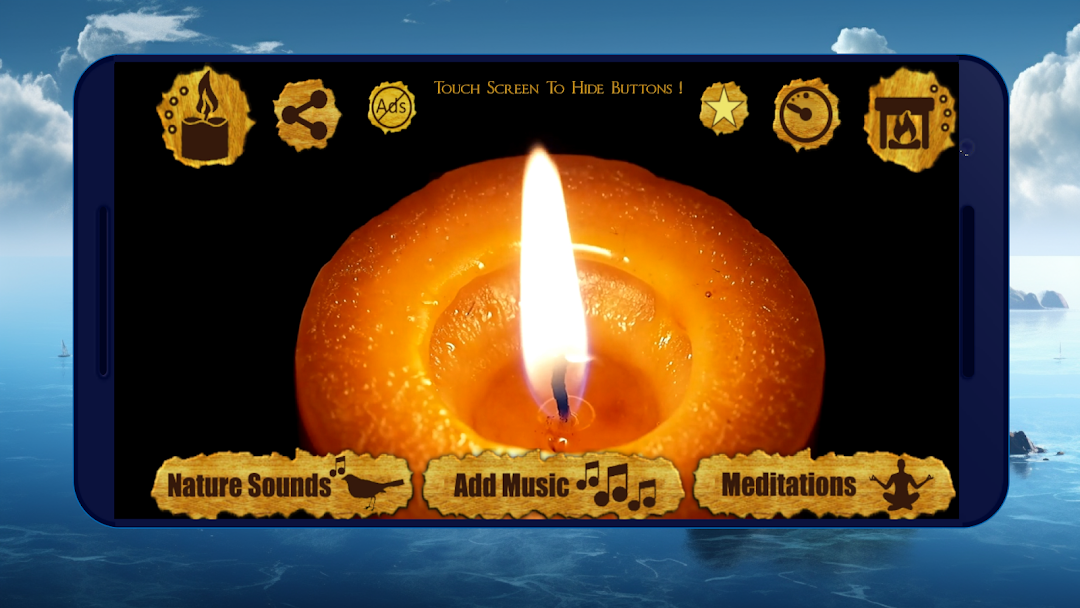
Night Light: Candle, Fireplace is a House&Home application developed by Self Healing, but with the best Android emulator-LDPlayer, you can download and play Night Light: Candle, Fireplace on your computer.
Running Night Light: Candle, Fireplace on your computer allows you to browse clearly on a large screen, and controlling the application with a mouse and keyboard is much faster than using touchscreen, all while never having to worry about device battery issues.
With multi-instance and synchronization features, you can even run multiple applications and accounts on your PC.
And file sharing makes sharing images, videos, and files incredibly easy.
Download Night Light: Candle, Fireplace and run it on your PC. Enjoy the large screen and high-definition quality on your PC!
The warm glow of a candle or fireplace can be incredibly soothing and comforting, and Night Candle understands the importance of creating a peaceful atmosphere for sleep and relaxation. The app provides a range of candle and fireplace related features that can enhance the overall experience of using the app.The app's selection of candles and fireplaces includes a variety of different styles and designs, each with its own unique character and charm. Some feature soft, flickering flames that create a calming ambiance, while others are more ornate and decorative, adding a touch of elegance to any room. No matter what your preferences are, there is sure to be a candle or fireplace option that suits your style.
In addition to their aesthetic appeal, candles and fireplaces also provide a range of health benefits. They can help to create a cozy, comfortable environment that is conducive to relaxation and sleep. The soft, warm glow of a candle or fireplace can be incredibly calming, helping to reduce stress and anxiety, and promoting a sense of peace and tranquility.
When used in conjunction with the app's sleep meditation music and guided meditations, candles and fireplaces can create a truly immersive and relaxing experience. The app's soundscapes and guided meditations can help to calm the mind and ease the body, while the soft glow of a candle or fireplace adds an extra layer of comfort and relaxation.
In summary, Night Candle is an excellent choice for anyone looking to create a peaceful, restful atmosphere for sleep and relaxation. With its selection of candles and fireplaces, sleep meditation music, and guided meditations, the app offers a wide range of features that can help to promote restful sleep and reduce stress and anxiety. Whether you are dealing with insomnia or simply looking to enhance your overall sleep quality, Night Candle is a valuable tool that can help you achieve your goals.